...
| Englisch |
|---|
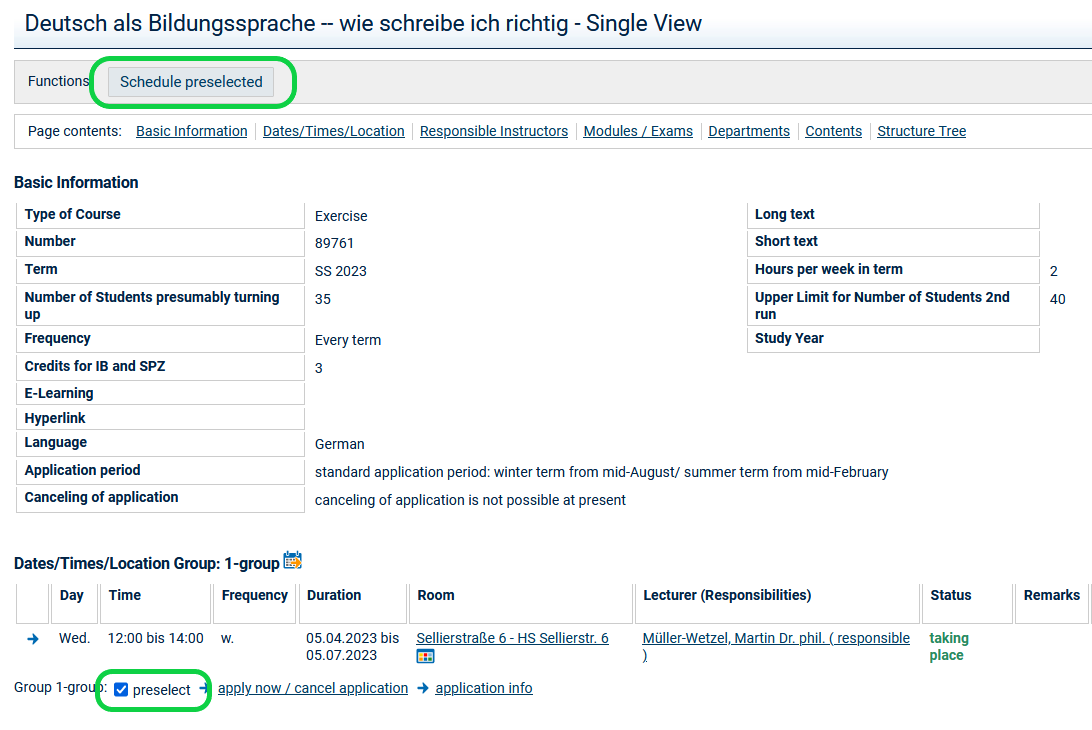
You can add courses that are not subject to registration to your timetable. Go to the detailed view of the course, check the box next to preselect and then click on Schedule preselected:
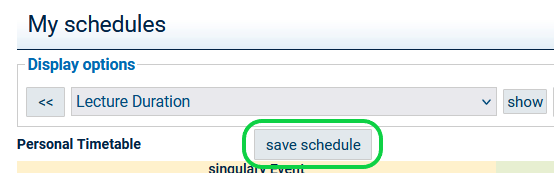
After that, you will be taken to your timetable. Confirm by clicking on save schedule.
Courses not subject to registration that you have added to your timetable will have the V status in your timetable. See also: |
...